Using GitHub Forms
EMD submissions are made through structured GitHub issue forms. This page explains how to open a form, fill in each field type, and submit.
You will need a free GitHub account — create one here if you do not already have one.
Opening a form
Go to the submission form chooser and click the form for the stage you are completing.
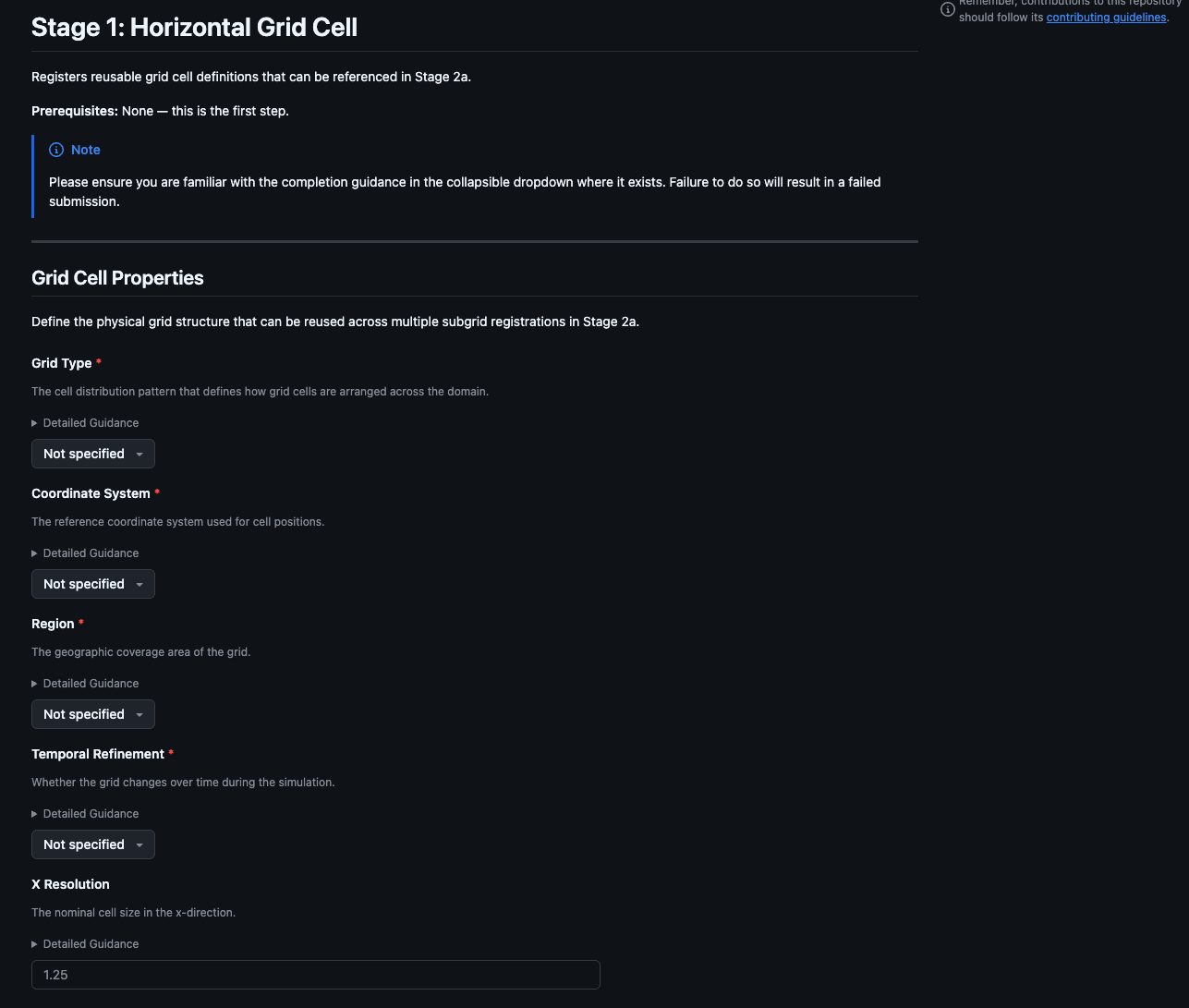
Each form opens as a structured GitHub issue. The title is pre-filled — do not edit it.
Field types
Note
The examples below are representative illustrations. The exact appearance may vary slightly depending on your browser, operating system, and GitHub's current interface.
Text fields
A single-line box for short answers such as a name, version, or year. Click it and type.
Model Name *
- Click inside the box
- Type your answer
- Move to the next field — answers are held automatically, there is no save button
Text areas
A larger box for longer answers such as a model description or list of reference DOIs. The box expands as you type.
Description *
- Click inside the box
- Type your answer — press Enter for a new line
- The box grows as you type
Dropdowns
A box with a small arrow on the right. Click it to open a list and select one option.
Model Family
- Click the box — a list drops down
- Click the option you want
- The box updates to show your selection
Multi-select dropdowns
Some dropdowns allow more than one selection — labelled Select multiple in the form. When you open one, a panel with a checkbox next to each option appears.
Dynamic Components *
Select multiple
- Click the dropdown button to open the panel
- Click each option you want — a checkmark appears next to it
- Click the same option again to deselect it
- Click anywhere outside the panel to close it
The closed button updates to show how many items are selected.
Collapsible guidance
Many fields include a ▶ Detailed Guidance section. Click it to expand examples and formatting rules for that field. Read these before filling in your answer — they contain the acceptance criteria reviewers use.
Model Name *
Detailed Guidance
Model name (source_id)
Full identifier including family and version. For CMIP, this becomes the official source_id.
Examples: CNRM-ESM2-1, HadGEM3-GC31-LL, CESM2, ACCESS-ESM1-5
Required fields
Fields marked with a red * must be filled in before you can submit. If you try to submit with one empty, the form scrolls to it and highlights the box in red.
Release Year *
This field is required.
Submitting
When all required fields are complete, scroll to the bottom and click Submit new issue.
GitHub creates an issue from your answers. Automated validation runs within a couple of minutes — see What to Expect on Submission for a full walkthrough of what happens next.
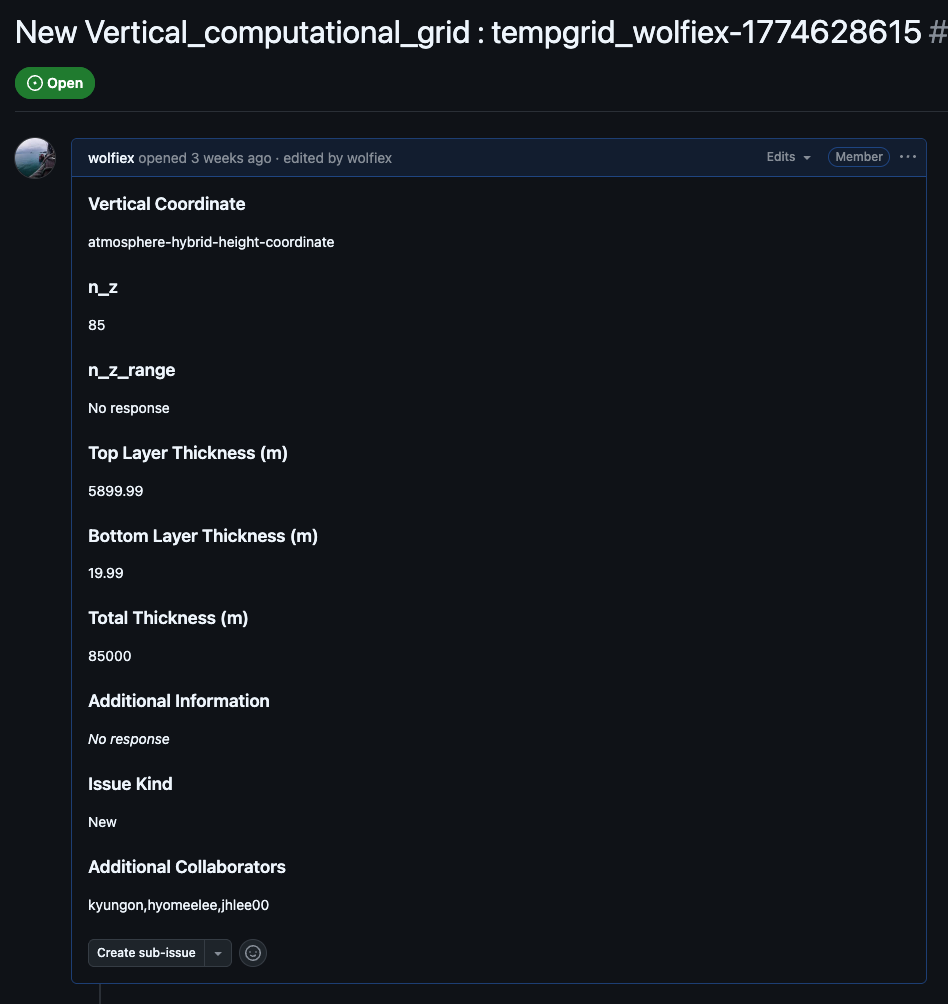
Note
You can edit the issue body after submission at any time. Every edit re-triggers the validation workflow automatically — there is no need to close and reopen the issue.